


If you own a local business, you're probably always looking for ways to stand out and reach more nearby customers. One of the most effective tools at your disposal is Google Business Profile (GBP). It is reported that 18 million businesses in the United States utilize Google Business Profile, making it a highly popular platform.
With smart management, GBP can become the backbone of your local SEO strategy, helping you attract more customers and stay ahead of competitors.
This guide will walk you through everything you need to know about Google Business Profile. From setup to advanced strategies, you’ll gain actionable insights to maximize its potential and grow your business.
What is Google Business Profile
Google Business Profile (formerly Google My Business) is a free tool that allows businesses to manage their presence on Google Search and Google Maps. For local businesses, it’s a game-changer. Here’s why it matters:
- Boosts Visibility: Having a complete and optimized profile helps your business show up in local search results and Maps.
- Builds Trust: A GBP listing with positive reviews reinforces your credibility.
- Drives Conversions: It directs potential customers to take action, like visiting your website, calling your business, or getting directions to your location.
Setting Up a Google Business Profile
If you don’t already have a GBP listing, here’s how to create one:
1. Sign Up and Claim Your Business
- Go to Google Business Profile and sign in with your Google account.
- Click “Manage Now” and follow the prompts to search for your business.
- If your business isn’t listed, add it manually.
2. Verify Your Business
- Verification options include postcards, phone, or email, depending on Google’s settings for your location. Once verified, you’ll have full control over your listing.
3. Add Critical Information
- Input accurate details such as your business name, address, phone number, website, and operating hours.
- Ensure that your NAP (Name, Address, Phone Number) information is consistent across all platforms.
It is always better to seek expert guidance when it comes to a GBP listing. Choose Wittipmedia for a smooth listing.
Optimizing Your Google Business Profile for Better Visibility
Once your profile is set up, optimization is key to getting the most out of it. Here’s how:
1. Choose the Right Categories
- Select primary and secondary categories that best describe your business. For instance, a digital marketing agency in London might choose "Marketing Agency" and "Advertising Agency."
2. Add High-Quality Visuals
- Upload sharp images of your storefront, team, and products or services.
- Use professional photography to create a great first impression.
3. Write an Engaging Business Description
- Highlight what makes your business unique in 750 characters or fewer.
- For example, “A London-based digital marketing agency specializing in SEO, PPC advertising, and content marketing services designed to grow small businesses effectively.”
4. Keep Your Profile Updated
- Ensure business hours and contact information are always accurate.
- Reflect changes like holiday hours or temporary closures.
Using GBP Features to Engage Your Customers
Google Business Profile offers tools specifically designed to help you engage with your customers. Make the most of them:
1. Posts
- Share updates like offers, new products, services, or events.
- For example: “Try our latest coffee blend this week! Exclusive to our shop in London.”
2. Q&A Section
- Answer frequently asked questions to offer clarity to potential customers.
- Monitor this section regularly to avoid misinformation.
3. Messaging
- Enable messaging to allow customers to reach you directly.
- Respond promptly to inquiries to strengthen relationships and trust.
Managing and Responding to Reviews
Customer reviews are critical for your online reputation. Here’s how to handle them effectively:
1. Encourage Positive Reviews
- Politely ask satisfied customers to leave reviews.
- For example, include a review request in follow-up emails or receipts.
2. Respond to All Reviews
- Thank customers for positive reviews. For negative reviews, empathize and provide a solution. Responding shows professionalism to all readers.
Tracking Performance with Insights
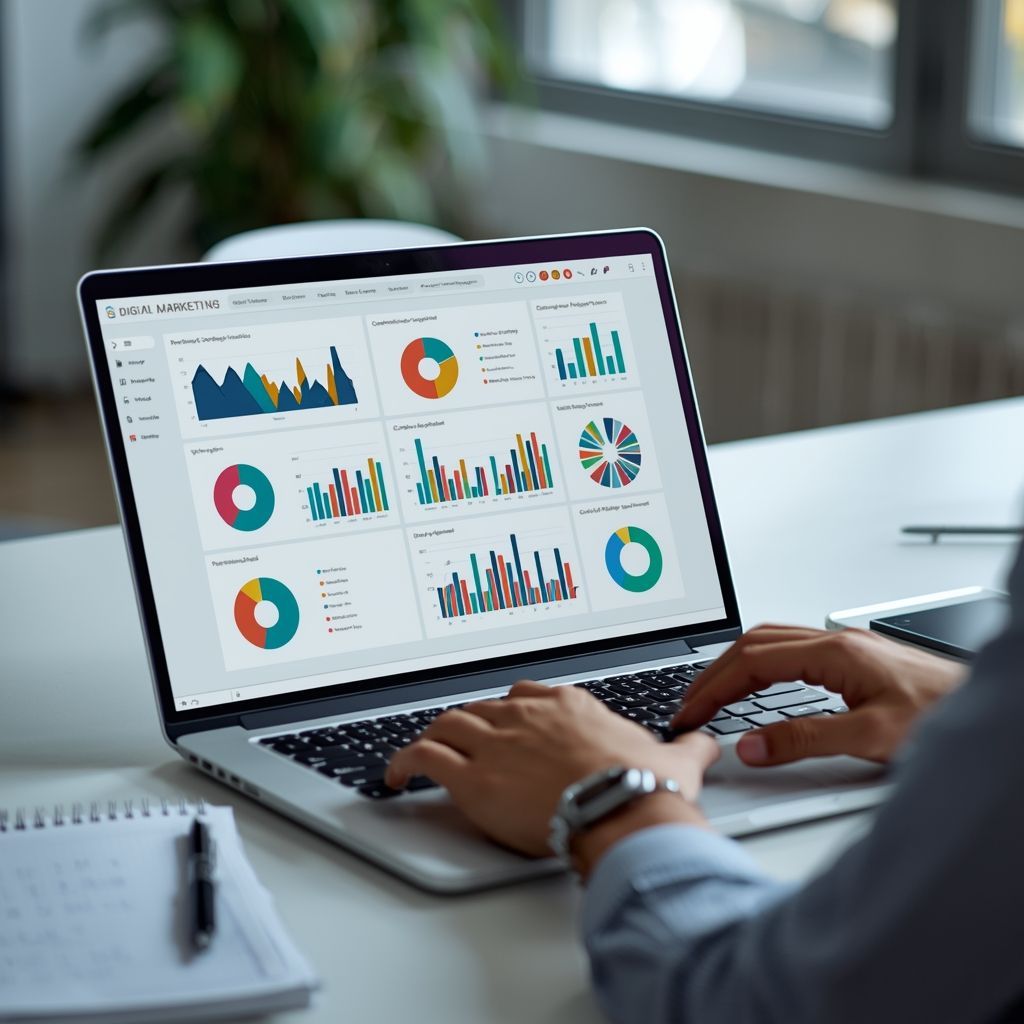
Google Business Profile includes an “Insights” tab where you can track key performance metrics:
- Search Queries: See what keywords drive traffic to your profile.
- Views: Track the number of views your profile receives on Google Search and Maps.
- Customer Actions: Monitor how many people call, message, or visit your website.
Use these insights to make data-driven improvements to your profile and local marketing strategy.
Advanced Strategies for Leveraging GBP in Your Local SEO Efforts
Want to take your Google Business Profile to the next level? Here are some advanced techniques:
1. Integrate GBP with Your Website
Embed Google Maps on your website and ensure your GBP info matches your website details. This boosts consistency and SEO.
2. Target Local Keywords
Update your profile description to include keywords like “local SEO service London” or “small business website design London.” Such that they are frequently searched by nearby customers.
3. Run Google Ads
Combine GBP with Google Ads for better targeting. A well-optimized GBP listing complements PPC campaigns by increasing visibility and capturing pre-qualified leads.
To know more about how to use GBP Ranker for business profile ranking, click here.
Wittipmedia: The GBP Management Expert
Google Business Profile isn’t a “set it and forget it” tool. Regular updates, engagement, and analysis are essential. Businesses that actively manage their profiles gain a competitive edge.
A well-optimized Google Business Profile is a powerhouse for local SEO, making it easier for customers to find and trust your business. By following the strategies detailed in this guide, you’ll be well on your way to maximizing your local visibility and customer engagement.
At Wittipmedia, our full-service digital marketing agency in London helps businesses like yours get the most out of Google Business Profile, PPC advertising, and content marketing. We provide tailored guidance to help your business thrive locally.
Start Growing Your Local Reach Today